A recruitment team needs posters all year round. A few examples:
- The open daywith two locations and two dates
- The trial dayas a story for screens and an A3 for the wall
- The information eveningwith a QR code to the sign-up page
Every one of them has to be in the house style: the right typeface, the red bar where it should be, the logo where it belongs. And every one of them went through someone who knows the design software. The team knew what the poster should say. They just couldn't make it themselves.
The problemWhy every poster needed someone else
The house style is not hard to describe, but it is hard to get right by hand. Headline sizes, how long a text can be before it stops fitting, which photo works for which format. So every poster, and every change to a date or a link, meant asking someone else. For one open day, one colleague spent two full days making posters with QR codes.
What it delivered
The result is one HTML file that runs offline in the browser. The team fills in a spreadsheet, drags in the photos, and gets every poster in the house style, checked and ready for the printer.
- One fileNo install, no account, no AI inside. It runs offline in Chrome or Edge.
- Checks itselfRed when something is missing, orange when it could be better, such as a photo too small for the format.
- Print-readyAll posters as one PDF for the printer, or as separate PDFs and images.
See it work
How the tool works
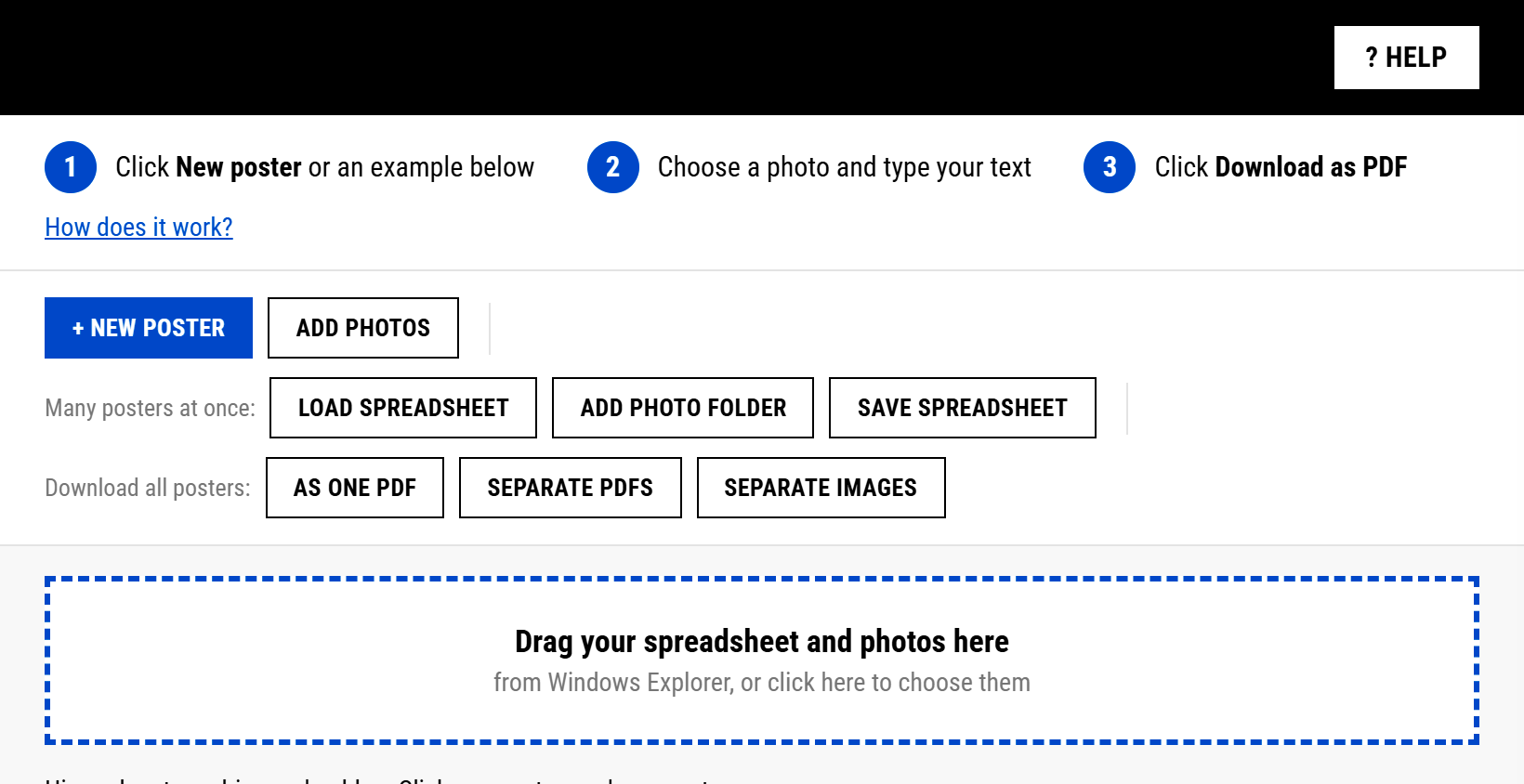
- Fill in a spreadsheet. One row per poster: the headline, the text, the link and the format.
- Drag in the spreadsheet and the photos. The tool builds every poster in the house style at once.
- Check the flags. Red means something is missing, orange means it could be better.
- Change what you like. Edit a headline and the poster updates as you type. Select a word and make it red.
- Download. One PDF for the printer, or separate files for screens, social media and mail.
How I built it
I built the tool with Claude Code, by describing what the team needed in plain language. AI built the tool. The team uses it without AI.
Three choices made the difference.
- The house style as rulesMeasured from real posters, so the tool follows the design instead of guessing it.
- One offline fileNothing to install, and photos never leave the laptop.
- Tested on purposeEight test posters, one of them with a photo missing on purpose, to see the red flag work.
What stays with people
The tool checks the form, not the message. The team still decides what a poster says, which photo tells the story and whether an event is worth a poster at all. The house style rules come from the designers. The tool only applies them, the same way every time.
Which task in your team still waits for one person with the right software?
← See all examples